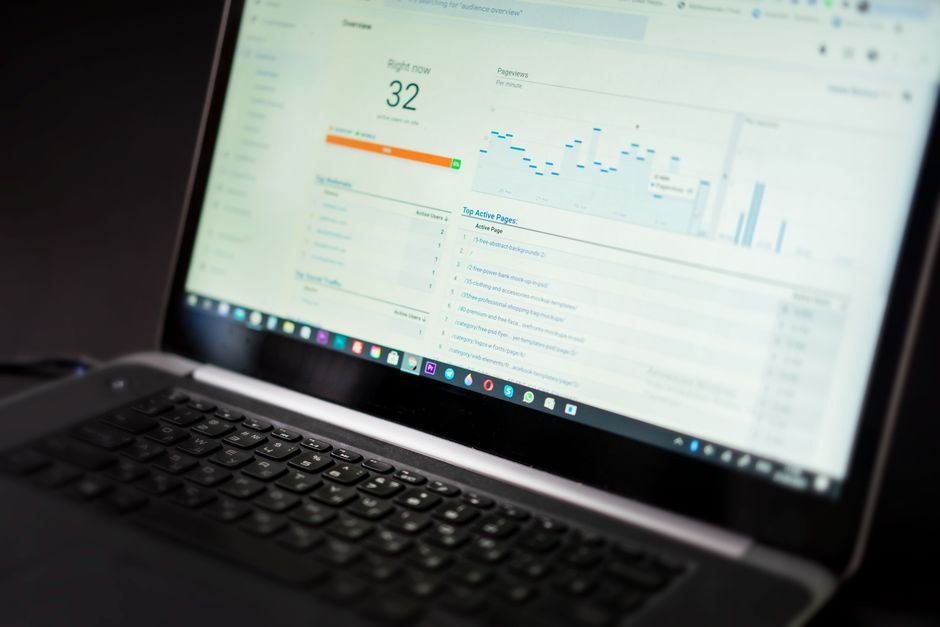
How to Automate Data Reporting with Cloud Services
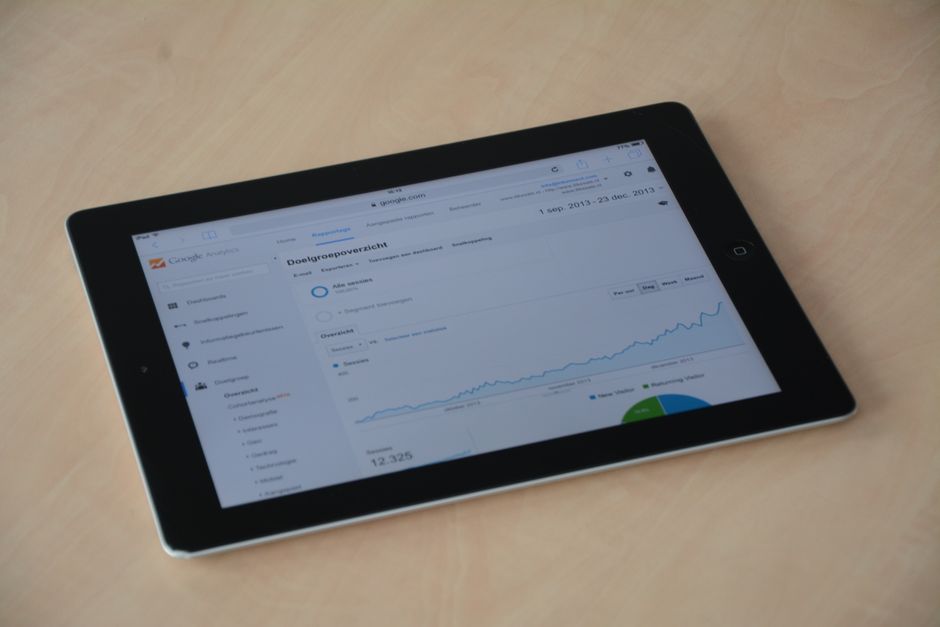
Automating data reporting with cloud services involves designing a repeatable process where data is collected, transformed, and delivered on a schedule without manual intervention. Organizations across the United States are increasingly adopting cloud-based analytics to reduce the effort associated with recurring reports. This tutorial outlines the main steps: connecting sources, preparing data, and scheduling updates.
The approach described here is tool-agnostic and focuses on principles that apply whether you use a major cloud provider or a specialized analytics platform. By understanding the methodology, teams can make informed decisions about architecture and governance. The goal is not to prescribe a single solution but to explain how automation can be structured.
TechPulse Insights has observed that successful automation projects share common traits: clear data ownership, documented processes, and iterative refinement. This article presents a framework that can be adapted to different scales and requirements. It emphasizes transparency and dependency on multiple factors, rather than guaranteed outcomes.
Connecting Data Sources to Cloud Analytics
The first step in automating data reporting is establishing reliable connections between your data sources and a cloud-based analytics environment. Data sources can include operational databases, software-as-a-service applications, flat files, and streaming event feeds. Each source may have different access methods, such as APIs, JDBC/ODBC drivers, or file transfer protocols. Cloud services typically provide connectors or ingestion tools that simplify this integration.
When connecting sources, consider data freshness requirements. Some reports may need near real-time updates, while others can tolerate daily or weekly batches. This decision influences the choice of ingestion pattern: batch, micro-batch, or streaming. It also affects cost and complexity, as streaming pipelines often require more resources and monitoring. Documenting these requirements helps in selecting appropriate tools and configurations.
Security and access control are critical during connection setup. Use service accounts with least-privilege permissions, and store credentials in a secure vault or secret manager. Encrypt data in transit and at rest. In the United States, compliance with regulations such as HIPAA or FERPA may apply depending on the data type, so consult legal and security teams early.
Testing connections with sample data can reveal issues like schema mismatches or network restrictions. Implement logging and alerting for connection failures to avoid silent data gaps. Once connections are stable, you can move to data transformation and modeling.
Data Transformation and Modeling in the Cloud
Raw data from sources often requires cleaning, enrichment, and restructuring before it can be used in reports. Cloud analytics services offer various transformation options: SQL-based transformations, visual ETL tools, and code-based frameworks. The choice depends on team skills, data volume, and latency requirements. A common pattern is to load raw data into a cloud data warehouse or data lake, then apply transformations to create curated datasets.
During transformation, focus on consistency and documentation. Define business metrics and dimensions clearly, and apply them uniformly across reports. Use version control for transformation logic where possible, and maintain a data dictionary. This practice reduces ambiguity and supports auditability.
Data modeling involves organizing transformed data into schemas that optimize query performance. Star schemas and snowflake schemas are traditional approaches, while modern cloud warehouses also support nested and semi-structured data. Partitioning and clustering can improve efficiency for large datasets. Consider how often data is updated and how queries will access it.
Data quality checks should be embedded in the transformation pipeline. These checks can include null validation, range checks, and referential integrity tests. When anomalies are detected, the pipeline can halt or route data for review. This step helps maintain trust in automated reports.
Scheduling and Orchestration of Report Updates
Scheduling is the core of automation: it determines when data is refreshed and reports are generated. Cloud services provide schedulers, event triggers, and workflow orchestration tools. You can schedule jobs at fixed intervals (e.g., daily at 6 AM) or trigger them based on events such as new data arrival. The choice depends on business needs and upstream dependencies.
Orchestration tools manage dependencies between tasks, ensuring that transformations run only after data is loaded. They also handle retries and error notifications. When designing schedules, consider time zones, peak load times, and maintenance windows. Overlapping jobs can cause resource contention, so stagger start times if needed.
Monitoring and alerting are essential for scheduled jobs. Set up notifications for failures, delays, or data quality issues. Dashboards that show job status and duration can help operations teams respond quickly. Keep logs for a defined retention period to support troubleshooting and compliance.
Versioning of schedules and workflows allows you to track changes and roll back if necessary. Document the purpose of each job and its dependencies. This documentation becomes valuable as teams change and systems evolve.
Delivering Reports and Ensuring Accessibility
Once data is processed, the final step is delivering reports to stakeholders. Cloud services can generate reports in various formats: dashboards, PDFs, spreadsheets, or data APIs. Delivery methods include email, shared links, embedded analytics, or integration with collaboration platforms. Choose methods that align with user preferences and security policies.
Access control should be applied at the report level. Ensure that users only see data they are authorized to view. Row-level security and column-level masking are common features in cloud analytics platforms. For external sharing, consider using expiring links or password protection.
Report design should prioritize clarity and relevance. Include context such as data refresh timestamps and definitions of metrics. Avoid clutter and focus on key insights. Provide filters or parameters so users can explore data without requesting custom reports.
Gather feedback on report usefulness and iterate. Automation does not mean rigidity; reports can be adjusted as business questions change. A feedback loop helps maintain alignment with stakeholder needs.
Best Practices and Considerations for Sustainable Automation
Sustainable automation requires attention to governance, cost, and scalability. Establish clear ownership for each part of the pipeline: who manages connections, transformations, schedules, and delivery. Define service-level objectives for data freshness and report availability. These objectives guide prioritization and investment.
Cost management is an ongoing concern in cloud environments. Monitor usage of storage, compute, and data transfer. Optimize queries and schedules to reduce unnecessary consumption. Some services offer cost allocation tags to track spending by project or department.
Scalability should be considered from the start. As data volume grows, pipelines may need to handle larger loads. Design with elasticity in mind, using auto-scaling features where available. Test with increased data volumes to identify bottlenecks.
Documentation and training are often overlooked but are vital for long-term success. Maintain up-to-date documentation of the architecture, data flows, and operational procedures. Train team members on how to monitor and troubleshoot the automation. This reduces dependency on a few individuals and supports continuity.
Finally, review the automation periodically. Technology and business requirements change, so what works today may need adjustment tomorrow. A regular review cycle helps ensure that the reporting system remains effective and aligned with organizational goals.